Learn
Peebee TV
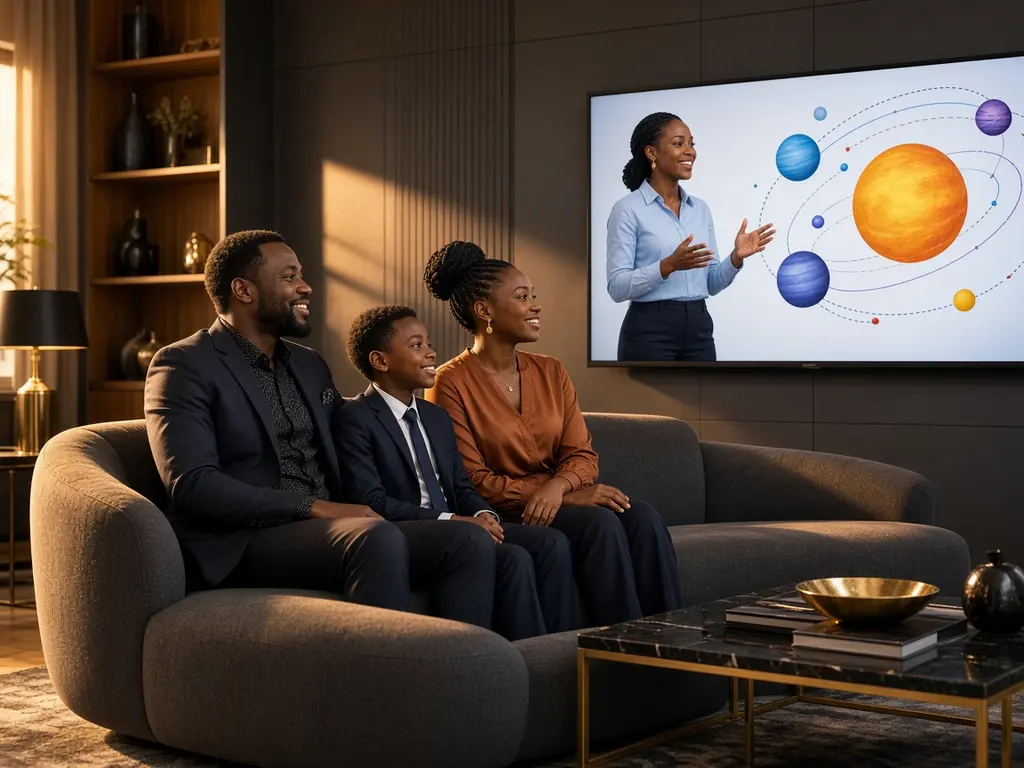
The same lessons open on the television, so the whole room can watch together. A code from your account is all it asks for.
The same lessons open on the television, so the whole room can watch together. A code from your account is all it asks for.
How it moves
- 1CreateJoin a class or a course.
- 2MatchPick the class or course you want.
- 3FundThe fee is held in escrow, not spent.
- 4WorkThe lesson, the quiz, the assignment.
- 5HandoverType the code from your account on the television.
- 6SettleEscrow pays the school or tutor, and Peebee's fee. Commission starts at 10%.
Work with Peebee on this
Partners join in the same way: a verified account, the same order path, and the same PIN at the end.